

AI tools for lawyers, and which ones actually earn their keep in an Australian firm
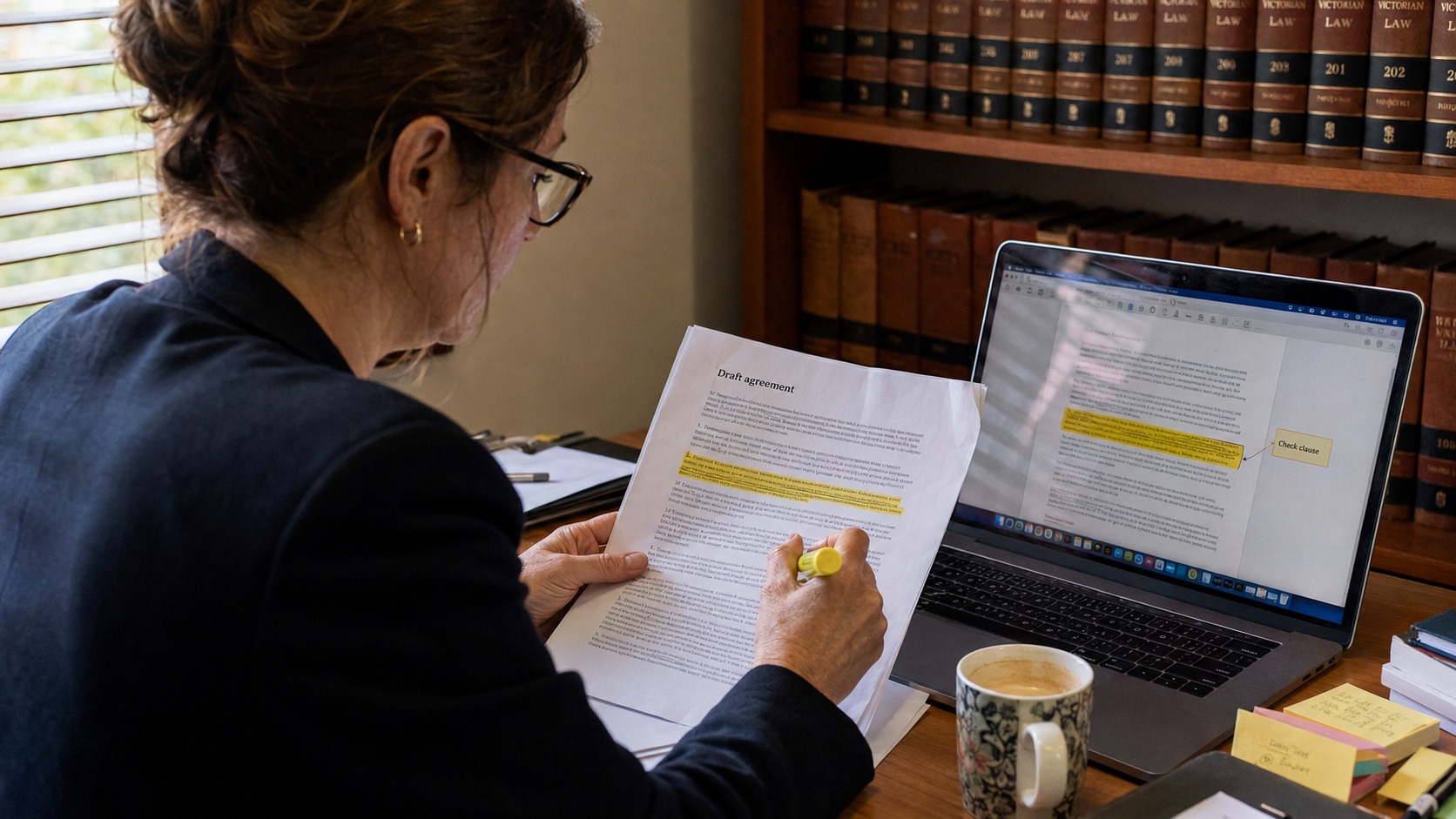
The best AI tools for lawyers right now handle the slow, repetitive parts of practice, first-draft correspondence, file notes, document summaries and client intake, while a solicitor keeps their name on every decision. That is the line small Australian firms need to hold. Used that way, AI tools for lawyers trim hours off admin each week. Used carelessly, it puts confidential client data and your practising certificate at risk. We build and maintain websites for professional-services firms, and this is the split we walk clients through before anyone signs up for a single subscription.
AI should draft and summarise. A solicitor still has to think, check and sign.
MyWebs Agency
Are Australian firms actually using this yet?
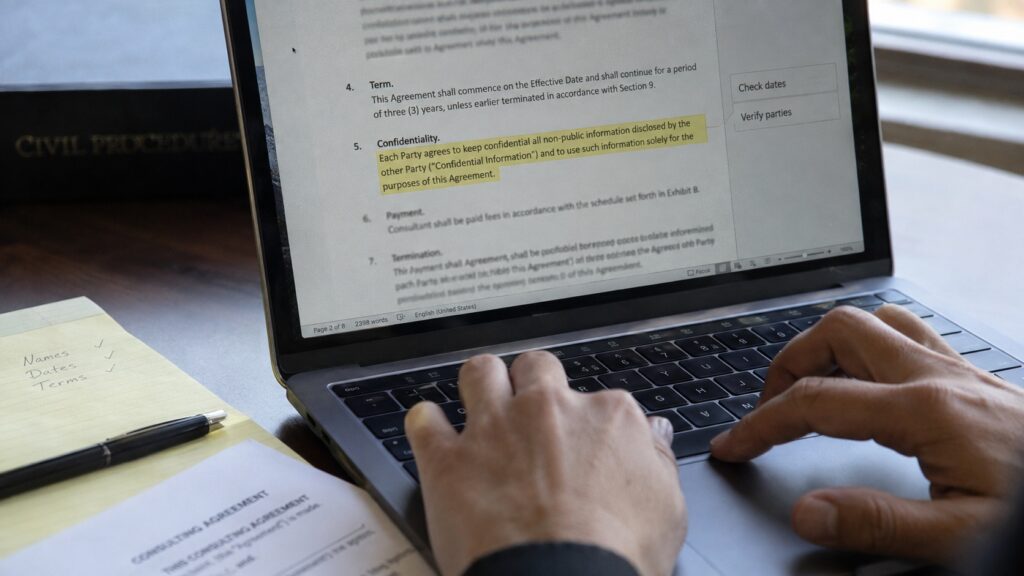
Yes, and legal sits near the front of the pack. The National AI Centre found 43% of Australian SMEs reported some level of AI adoption over the December 2025 to February 2026 quarter, with health and professional-services sectors leading, more than half of businesses in those sectors are already using it (National AI Centre, 2026). The same research names trust as the single biggest barrier, with around 65% of non-adopters worried about losing human control. For a law firm that instinct is correct, and it is exactly why AI tools for lawyers have to be set up properly rather than pulled off a free plan.
The 8 AI tools for lawyers worth a look in 2026
Here is where we would start a small or mid-sized Australian firm shopping for AI tools for lawyers. Two of these are built here in Australia and already run inside thousands of local practices, which matters when you care about local support and where your data lives.
- LEAP + LawY. Australian practice-management software with a built-in legal AI assistant. Good if you want AI inside the system you already run matters and billing in.
- Smokeball + Archie. Another Australian option, strong on automatic time capture and document automation, with AI drafting bolted on.
- Microsoft 365 Copilot. Drafting, email replies and summarising long documents inside Word and Outlook. Sensible if your firm already lives in Microsoft 365.
- Spellbook. Sits in Word and reviews and drafts contract clauses. Built for lawyers, not a general chatbot.
- Lawpath AI. Australian platform aimed at small business and small firms for templates and everyday documents.
- Google NotebookLM. Point it at your own case files and it answers from those documents only, which cuts hallucinations right down.
- Otter.ai or Fireflies. Transcribes client meetings and attendances so file notes write themselves. Get consent first.
- An AI intake chatbot on your website. Answers common questions and captures enquiries 24/7 so nobody rings a rival at 9pm.
That last one is the piece most firms leave money on the table with. A well-built intake bot on a proper firm website qualifies a lead, books a consult and sends you the details while you sleep. We cover how that works in our guide to adding an AI chatbot to a WordPress site, and it plugs straight into the kind of professional site we build through our web design services.
Pick tools that keep client data inside your practice, not tools that quietly train on it.
MyWebs Agency
What should a small firm automate first?
Start with the tasks that eat time but carry low legal risk. File notes from a recorded meeting, a first draft of a routine letter, a plain-English summary of a long document, and a tidy chronology from a pile of emails. The National AI Centre data backs this up, content generation and data analysis are the two most common uses among Australian adopters, both sitting at 54%. Leave advice, strategy and anything going to a court to the human. That order keeps you productive without betting the firm on a model that can be confidently wrong.
The confidentiality trap nobody warns you about
This is the one that catches people out. Free and consumer AI plans can store what you type and use it to train the model, which means pasting a client brief into the wrong tool may breach confidentiality and privilege. The joint statement from the Law Society of NSW and its Victorian and WA counterparts is blunt about it, do not put confidential, sensitive or privileged information into public generative AI tools. Use a paid business or enterprise plan with training switched off, or a tool like NotebookLM that only reads the files you give it. When we set up AI for a firm, this is the first thing we lock down.

The hallucination problem is real, and courts are watching
Most general AI tools for lawyers can invent case citations that look perfect and do not exist. There have already been Australian matters where practitioners filed AI-generated authorities that turned out to be fake, and the profession has been put on notice. The NSW Supreme Court now runs a formal Practice Note, SC Gen 23, on the use of generative AI, which commenced on 3 February 2025 and applies across NSW courts (Supreme Court of NSW). It requires practitioners to understand the limits of the tools they use and to verify anything AI produces. The Law Society of NSW keeps a running set of court protocols and guidance for exactly this (Law Society of NSW). The practical rule is simple. If AI cites a case, you open the case and read it before it goes anywhere near a filing.

AI tools for lawyers compared at a glance
Rough costs below are indicative and move around, so treat them as a starting point and get a current quote. The watch-out column is where we spend most of our setup time with clients.
| Tool | Best for | Rough cost (AUD) | Watch out for |
|---|---|---|---|
| LEAP + LawY | All-in-one matters, billing and AI | Per user, quote-based | Locks you into one platform |
| Smokeball + Archie | Time capture and document automation | Per user, quote-based | Setup takes a real onboarding |
| Microsoft 365 Copilot | Drafting and email inside Office | ~$40 to $50 per user monthly | Only pays off if you live in Microsoft 365 |
| Spellbook | Contract drafting and review | Per seat subscription | Still needs a lawyer on every clause |
| NotebookLM | Summarising your own files safely | Free tier available | Not a drafting or advice tool |
| Website AI intake bot | 24/7 enquiry capture and booking | Setup plus small monthly | Must hand off cleanly to a human |
How we set up AI tools for lawyers without the risk
The tool matters less than the guardrails around it. When a firm asks us to help, we work through a short checklist so AI saves time without creating a compliance headache. It is the same order every time, and it takes an afternoon rather than a project.
- Choose paid business plans with model training turned off, never a free consumer login for client work.
- Write a one-page AI policy staff actually read, what can go in, what never goes in, and who signs off.
- Keep a human check on every output, especially citations, figures and anything client-facing.
- Get client consent before recording meetings for transcription.
- Put an intake bot on the website and make sure it hands warm leads to a real person fast.
The website side is where a web agency earns its fee. A tidy intake bot is worthless if prospective clients cannot find you in the first place, which is why we pair it with proper SEO and AI-search work so your firm turns up when someone asks Google or ChatGPT for a solicitor in your area.
Frequently asked questions
Are AI tools for lawyers safe to use in Australia?
AI tools for lawyers can be safe, on the right plan and with human oversight. Use paid business tools with training disabled, never paste privileged material into public chatbots, and verify every output. Courts and law societies expect you to understand the tool’s limits and check its work.
Can AI replace a paralegal or solicitor?
No. It speeds up drafting, summarising and admin, but it cannot exercise judgement, owe duties to a client or take responsibility for advice. Treat it as a fast junior whose work you always check, not a replacement.
What is the cheapest way for a small firm to start?
Start with a tool you already pay for, such as Microsoft 365 Copilot if you use Office, plus free NotebookLM for summarising your own files. Add an intake chatbot to your website next, since of all the AI tools for lawyers, that one tends to pay for itself fastest in captured enquiries.
Will an AI chatbot on my site give legal advice by mistake?
Only if it is set up badly. A properly scoped intake bot answers general questions, collects contact details and books a consult, with a clear line that it does not provide legal advice. Getting that scope right is part of the build.
If you want AI tools for lawyers set up on your website the safe way, with an intake bot, clean compliance and a site that actually ranks, we can help. Book a free website audit and one-hour consultation and we will map out what fits your firm.