

WordPress plugin security: why plugins are the weak point in 2026
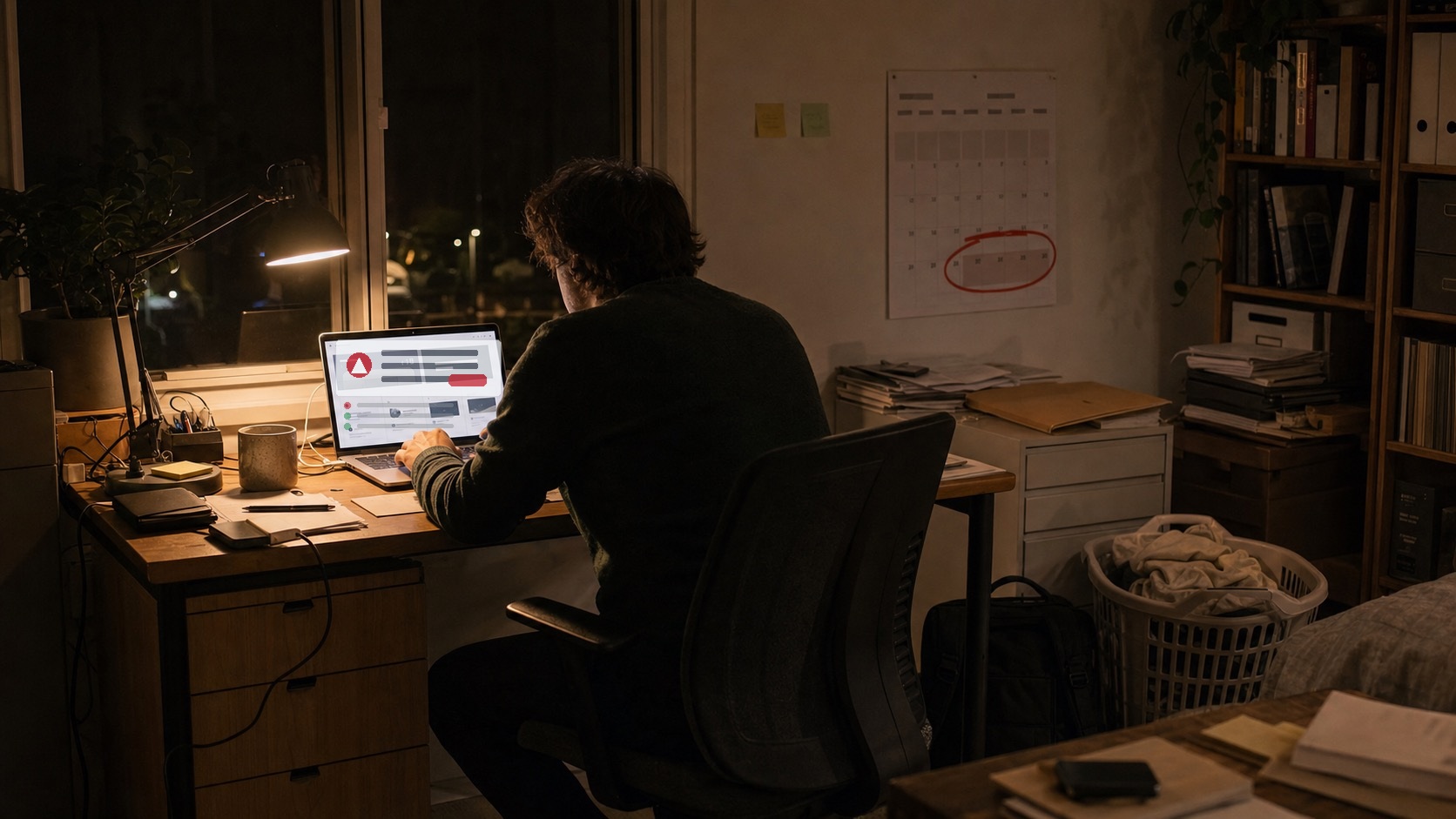
WordPress plugin security, not the WordPress core and not your password, is where most Australian small-business sites get breached in 2026. In early June a critical flaw in the Kirki plugin (CVE-2026-8206) put more than 500,000 websites at risk of full admin takeover, and around 150,000 were still running the vulnerable version when researchers raised the alarm. If you run a WordPress site, the plugins you installed once and forgot about are usually the first thing an attacker reaches. The good news is that WordPress plugin security is mostly routine, and we will walk through exactly what to do. If your site is already acting strangely, our emergency website support team can step in fast.
One out-of-date plugin can hand an attacker your entire site in under five hours.
MyWebs Agency
What actually happened with the Kirki plugin flaw?
Kirki is a popular toolkit bundled with a lot of WordPress themes, so plenty of site owners had it running without ever choosing it. The bug lived in the plugin’s password reset code. Normally a reset link goes only to the email already on the account. In the vulnerable versions, the plugin trusted an email address sent in the request, so an attacker could ask for an admin reset and have the link delivered to their own inbox. From there it is game over: new password, full admin, then backdoors and spam. Themeum shipped a fix in version 6.0.7, and the only safe move is to be on that version or later. This is the same pattern we covered with the Burst Statistics vulnerability earlier this month, a trusted plugin, a quiet flaw, and a short window to patch.
Warning signs your plugins are a risk
- Pending updates pile up. A dashboard with ten red update badges is ten open doors.
- Plugins you do not recognise. If you cannot say what a plugin does, it should not be active.
- Abandoned plugins. No update in over a year usually means no one is fixing security holes.
- Nulled or pirated plugins. Free copies of paid plugins are a classic way malware gets in.
Do these three things today
- Take a full backup of your site (files and database) before touching anything.
- Apply every available plugin and theme update, starting with security releases.
- Deactivate and delete any plugin you are not actively using.
This is not a fringe problem. According to Patchstack’s State of WordPress Security 2026 report, 91% of all new WordPress vulnerabilities last year were found in plugins, with only a handful in the core itself. The ecosystem logged 11,334 new vulnerabilities in 2025, a 42% jump on the year before, and the weighted median time before attackers start exploiting a serious flaw is just five hours. That last number is the one that should change how you think about WordPress plugin security. You do not have a week to get around to updates. You have an afternoon.
Treat plugin updates like locking the shop at night. Boring, quick, and the one habit that stops most break-ins.
MyWebs Agency
Your WordPress plugin security checklist: 7 fixes
Here is the WordPress plugin security routine we run for the sites we look after. None of it is complicated, and you can do most of it yourself in an hour. The point is to do it consistently, because WordPress plugin security is a habit, not a one-off job.
- Update weekly, not “eventually”. Log in once a week, back up, then apply updates. Security releases go on within a day.
- Cut your plugin count. Every plugin is attack surface. If two plugins do the job of one, remove one.
- Only install from trusted sources. The WordPress.org directory or the developer direct. Never a “free premium” download.
- Use strong logins and limit admins. Unique passwords, two-factor authentication, and as few administrator accounts as possible.
- Run a security plugin. Wordfence or Solid Security will flag known vulnerabilities and block obvious attacks while you patch.
- Keep real backups off-site. Daily, stored somewhere that is not your hosting account, and tested by actually restoring one.
- Choose good hosting. A decent host patches the server and isolates accounts. Cheap shared hosting often does neither.
Update WordPress plugins the right way
The mistake we see most often is updating everything at once with no backup, then finding a page broken and no way back. Do it in order: back up, update plugins, reload the key pages (home, contact, checkout), then update the theme. If something breaks, you roll back to the backup instead of panicking. On a busy store we stage updates on a copy first. If that sounds like a chore, it is exactly the kind of thing our WordPress development team handles for clients every week.
Backups are your safety net
Backups are the part of WordPress plugin security people skip until the day they desperately need one. If a plugin update goes wrong, or a vulnerability gets exploited before you patch, a recent backup is the difference between a ten-minute restore and a ruined weekend. Keep daily backups stored away from your hosting account, so a compromised server cannot take your backups down with it. And test them. A backup you have never restored is a guess, not a safety net. Reliable backups and server-level patching are part of why where you host your site matters as much as the plugins you run.
DIY or a managed care plan?
You can absolutely do WordPress plugin security yourself. The honest question is whether you will, every single week, while running a business. Most owners start well and then a busy month hits and updates slip. That is the gap attackers count on. A managed care plan exists to remove that gap, so the weekly checking and patching happens whether you remember or not. Here is how the two approaches compare.
| Security task | DIY (self-managed) | Managed care plan |
|---|---|---|
| Weekly plugin and core updates | You remember (or you don’t) | Done for you, on schedule |
| Off-site backups | You set up and test | Automated and monitored |
| Vulnerability monitoring | Manual, when you read the news | Active alerts on your stack |
| If a hack happens | You scramble or pay emergency rates | Covered and prioritised |
| Typical cost | Your time, plus tools | A fixed monthly fee |
Australian small businesses are more exposed than ever simply because almost all of them now run on a website, as the Australian Bureau of Statistics reports. A site that takes payments or bookings is a real target, and the cost of downtime or a data leak dwarfs the cost of basic maintenance. Whichever path you pick, the principles of WordPress plugin security are the same: fewer plugins, faster updates, tested backups, and someone keeping watch.
Frequently asked questions
Is WordPress safe to use in 2026?
Yes. WordPress core is well maintained and rarely the problem. Most hacks come through out-of-date plugins and themes, so a site that is kept updated and backed up is very safe.
How often should I update my WordPress plugins?
Check weekly and apply security updates within a day or two. Always take a backup first, and test the site after updating so a bad release does not break a page quietly.
What is the Kirki plugin vulnerability?
CVE-2026-8206 is a critical flaw in the Kirki plugin (versions 6.0.0 to 6.0.6) that let attackers reset an administrator’s password to an address they control. It was patched in version 6.0.7. It is a textbook WordPress plugin security failure, so update immediately if you use it.
Do I need a security plugin or a care plan?
A security plugin helps, but it cannot apply updates or restore backups for you. A care plan covers the human part: someone checking, updating, and watching your site every week.
The bottom line on WordPress plugin security
Good WordPress plugin security is not about buying one magic tool. Most breaches are preventable, and the sites that get hit are almost always the ones that quietly fell behind on updates. Keep your plugins few, current, and backed up, and WordPress plugin security stops being something you lie awake worrying about.
Not sure how exposed your site is? We will take a look for free. Book a free 1-hour consultation and website audit with our Sydney team, and we will tell you which plugins are out of date, where your backups stand, and what to fix first. No jargon, no pressure, just a clear plan to keep your WordPress site safe in 2026.