


WooCommerce 10.9 lands on 23 June 2026: what Australian stores need to know
WooCommerce 10.9 is due on 23 June 2026, and it is a bigger update than the version number suggests. The headline changes are a faster checkout, cleaner admin screens, and built-in email logging so you can finally see why an order email did or did not send. If you run an online store on WordPress, this is the update to plan for rather than click through on autopilot. We build and look after WooCommerce stores for Australian businesses, so here is the plain version of what is coming and what to do about it.
Update your store on purpose, not by accident. Back up, test, then click the button.
MyWebs Agency
Should you update to WooCommerce 10.9 straight away?
Not on day one. The safe play is to wait a few days after release, take a full backup, test the update on a staging copy of your site, then push it live once your theme and extensions confirm they play nicely. The release has been in public beta since early June, which is a good sign for stability, but every store runs a different mix of payment gateways, shipping plugins and page builders. That mix is where things break, not WooCommerce core itself. If your store is mission-critical and you would lose real sales from an hour of downtime, this is exactly the kind of job to hand to someone who does it every week.
- Faster checkout. Draft orders are no longer created on every fresh session, so fewer junk rows pile up in your database.
- Email logging in core. Sent, failed and skipped order emails now show under WooCommerce > Status > Logs, no extra plugin needed.
- Tidier admin. The Woo dashboard and order screens get a cleaner look that lines up with WordPress 7.0.
- Variation image galleries. Off by default, but you can switch on a proper gallery per product variation.
- Colour swatches. Native colour and image attributes, so “Navy / Khaki / Sand” can show as actual swatches.
- Take a full backup of files and database, and confirm you can restore it.
- Update on a staging copy first, never straight on the live store.
- Update your extensions and theme alongside core, not weeks apart.
- Place a test order end to end, including a card payment and the confirmation email.
- Push to live during a quiet trading hour, then watch your logs for 24 hours.
WooCommerce is not a niche tool you can afford to neglect. By some counts it powers close to a third of the top one million online stores worldwide, and in Australia the most common domain for those stores is .com.au, which tells you how many local businesses depend on it. So a core update that touches checkout and email is worth treating as a real maintenance event. You can read the full rundown on the official WooCommerce 10.9 release announcement, and confirm the date on the WooCommerce release calendar.
The update itself takes a minute. The backup and the test order are what save your weekend.
MyWebs Agency
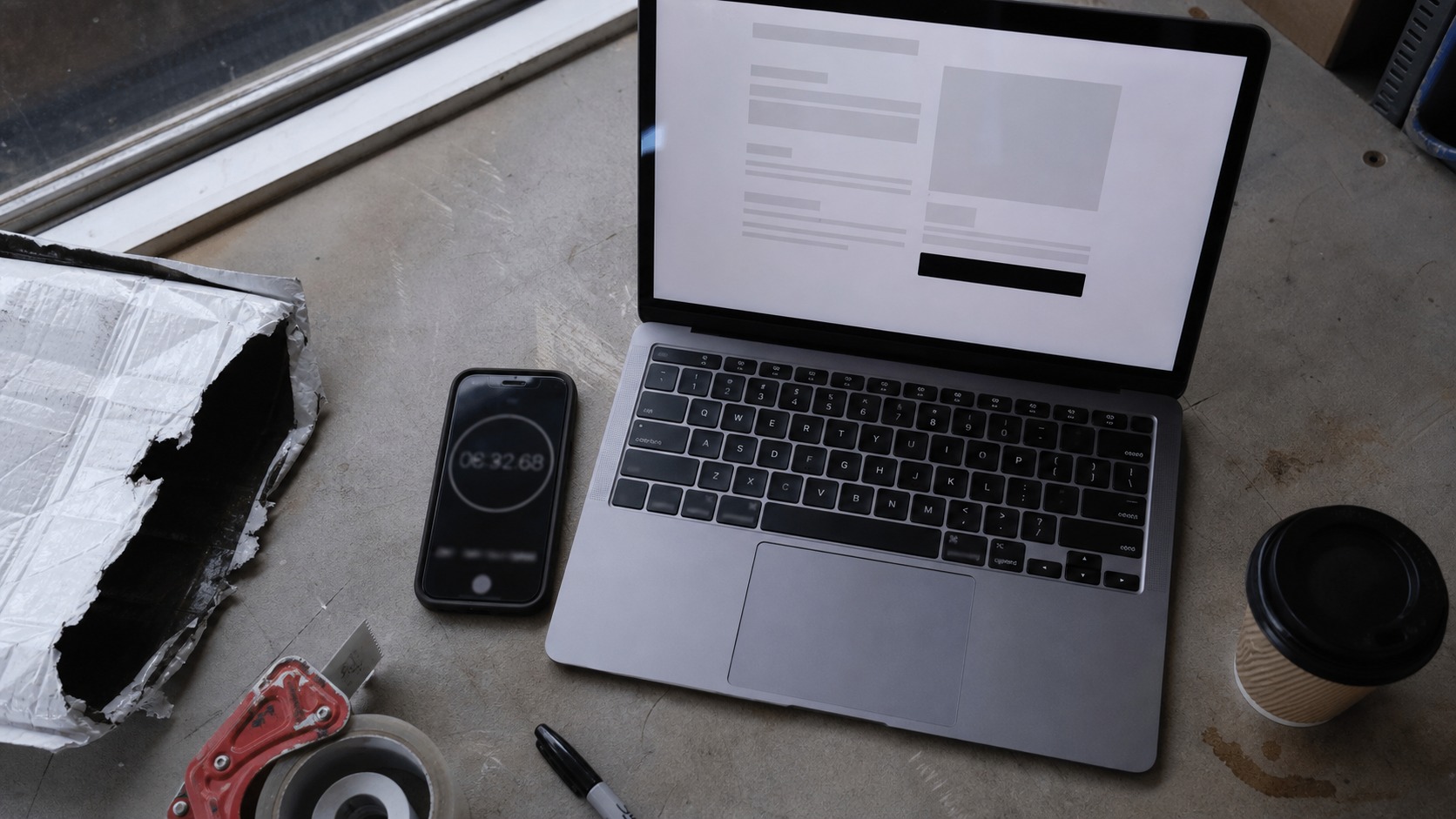
Faster checkout, less database bloat
The performance work in WooCommerce 10.9 mostly targets checkout. Older versions created a draft order the moment a shopper hit the checkout page, even if they never bought anything, which left thousands of orphaned rows clogging the database over time. Now that draft is deferred until the customer actually places the order. Fewer junk rows means a leaner database, snappier admin product pages, and one less reason for a slow store. If your checkout already feels sluggish, the update helps, but tired hosting is usually the bigger culprit, so look there too.
Email troubleshooting without a plugin
This is the change most small store owners will actually feel. “My customer never got their order confirmation” is one of the most common support questions in ecommerce, and until now you needed a separate logging plugin to chase it down. WooCommerce 10.9 builds email logging into core. Every transactional email shows up under WooCommerce > Status > Logs with a clear status, and failed sends record the real reason, like an SMTP authentication error. You can also see email activity on each order. If your order emails have ever vanished into a customer’s spam folder, this is the feature to care about. WooCommerce explains the detail in its transactional email logging deep dive.

The new selling features worth a look
A few merchandising features arrive switched off, behind toggles in WooCommerce > Settings > Advanced > Features, so they will not change your store until you turn them on. Variation image galleries let each variation carry its own set of photos, which is a real win if you sell the same product in several colours or finishes. Native colour swatches mean an attribute like “Navy / Khaki / Sand” can display as actual colour chips instead of a plain dropdown. There is also early work on a wishlist and a “save for later” option in the cart, though that one is still rough and we would leave it off a live store for now.

WooCommerce 10.9 features at a glance
Here is the short version of what each change does and who benefits most. Not every feature matters to every store, and that is the point: update for the ones that move the needle for you.
| Feature | What it does | Who it helps |
|---|---|---|
| Faster checkout | Stops creating junk draft orders, trims database load | Busy stores, slow sites |
| Email logging | Shows sent and failed order emails in core | Every store |
| Variation galleries | Separate photo sets per product variation | Fashion, homewares |
| Colour swatches | Visual colour and image attributes | Product-heavy catalogues |
| Cleaner admin | Tidier dashboard aligned with WordPress 7.0 | Owners who self-manage |
How to update WooCommerce 10.9 without breaking your store
The risk in any WooCommerce update is rarely the core software. It is the third-party extensions, the payment gateway and the theme that have to keep up. We have seen stores go down after an update because a shipping plugin had not been touched in a year, and the fix was the plugin, not Woo. So treat the update as a maintenance job: back up, update everything together on staging, run a full test order including payment and the confirmation email, then go live. If something does go sideways and your store is offline mid-trade, that is what emergency website support is for, and the faster you call, the smaller the dent in your sales. The same discipline applies to plugins generally, which is why we wrote up our plugin security fixes for 2026.
If you are still weighing up whether WooCommerce is the right platform at all, that is a fair question to ask before you invest more time in it. We covered the trade-offs in our guide to WordPress vs Shopify vs Wix for Australian businesses. For most stores that want full control over design, content and costs, a well-built WooCommerce setup on solid WordPress development still wins, and updates like 10.9 are part of why it keeps improving.
Frequently asked questions
When is WooCommerce 10.9 released?
The final release is scheduled for 23 June 2026, according to the official WooCommerce release calendar. A public beta has been available since early June for testing on staging sites.
Do I need to update to WooCommerce 10.9 straight away?
No. Back up first, test on a staging copy, then update within a week or two once your plugins and theme confirm they are compatible. Security patches are the exception and should go on sooner.
Will WooCommerce 10.9 break my store?
It can if an extension or theme is out of date, but core itself is well tested. Most breakages trace back to a neglected plugin, not WooCommerce. Updating on a staging copy first removes almost all of the risk.
What is the best WooCommerce 10.9 feature for a small store?
For most Australian SMBs it is the built-in transactional email logging. It makes working out why an order confirmation never arrived far quicker, with no extra plugin to install.
Want a hand getting your store ready for WooCommerce 10.9, or worried an update might knock it over? We run a free website audit and a one-hour consultation for Australian businesses, where we will check your store, your backups and your update process, and tell you straight what needs doing. Book your free audit with MyWebs and we will make sure 23 June is a non-event for your store.