

Hacked WordPress site? Here is exactly what to do first
If you have a hacked WordPress site, the single most useful thing you can do is stay calm and act in order: take the site offline, change every password, and clean the infection at its source before you put anything back live. Panic deletions and half-cleanups are what turn a one-hour fix into a one-week nightmare. This guide walks you through the exact recovery steps our team uses, and if you would rather not touch it yourself, our emergency WordPress support can take it off your hands today.
A hacked WordPress site is rarely the end of the world, but a rushed, incomplete cleanup almost always makes it worse.
MyWebs Agency
How do I know if my WordPress site has been hacked?
You usually know something is wrong before you understand what. A hacked WordPress site tends to announce itself through strange behaviour: visitors get redirected to gambling or pharmacy pages, Google shows a “this site may be hacked” label under your listing, or your own browser throws up a red “deceptive site ahead” warning. Sometimes the first sign is quieter, like a sudden drop in traffic, or your hosting company suspending the account for sending spam. The tricky part is that modern infections are designed to stay hidden, so the absence of obvious damage does not mean the site is clean.
- Redirects: visitors land on spam, scam or adult sites they never clicked.
- Search warnings: a “this site may be hacked” or “deceptive site” label appears in Google or the browser.
- Rogue users: admin accounts, posts or plugins you did not create.
- Performance: the site slows, throws errors, or your host suspends it for spam.
- Stop and breathe, do not start deleting files at random.
- Put the site into maintenance mode or take it offline.
- Change your hosting, WordPress admin, FTP and database passwords.
- Tell your host so they can scan the server and help.
Knowing why this keeps happening helps you fix it properly. According to Patchstack’s State of WordPress Security in 2026, 11,334 new WordPress vulnerabilities were recorded in 2025, a 42% jump on the year before, and 91% of them were in plugins rather than WordPress core. Worse, the most heavily targeted flaws are weaponised fast: Patchstack puts the median time from public disclosure to mass exploitation at just five hours. In plain terms, an out-of-date plugin can be attacked the same morning the world hears about it.
If a plugin or theme is sitting on an old version, assume it is a door, not a feature.
MyWebs Agency
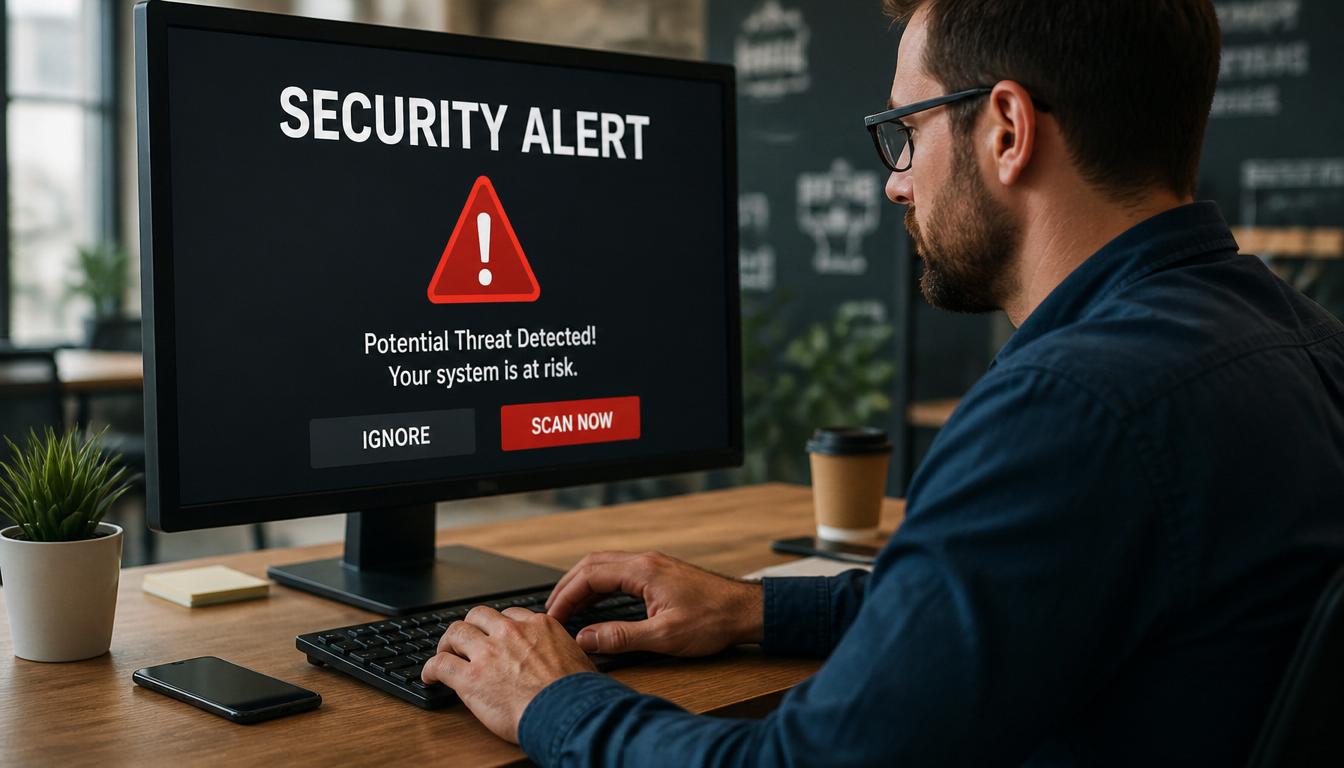
Common signs of a hacked WordPress site
The most damaging sign is the one you cannot see. Today’s malware often “cloaks” itself, showing clean pages to you and the site owner while serving spam to Google’s crawler or redirecting real customers to phishing pages. That is why a site can look perfectly normal to you and still be quietly wrecking your search rankings. If customers mention odd redirects, or your rankings slide for no clear reason, treat it as a possible compromise and check properly rather than waiting for proof.
The 9-step hacked WordPress site recovery plan
Here is the recovery sequence we use, in order. Work through it top to bottom; skipping steps (especially the last few) is the usual reason a hacked WordPress site comes back to life a week later.
- Take a snapshot. Before you change anything, take a full backup of the current (infected) site and database. You will want it for evidence and to compare files.
- Take the site offline. Use maintenance mode or a holding page so visitors and Google are not served malware while you work.
- Reset every credential. WordPress admin, hosting control panel, FTP/SFTP, database and any reused email passwords. Assume all of them are known to the attacker.
- Scan and identify. Run a reputable scanner (Wordfence, Sucuri or your host’s server-level scan) to map infected files, injected code and rogue admin users.
- Remove the malware at its source. Replace WordPress core, plugins and themes with clean copies, then carefully clean or remove injected code from custom files and the database.
- Close the entry point. Find and update or delete the vulnerable plugin, theme or weak login that let them in. This step is non-negotiable.
- Harden the site. Apply security hardening, add a firewall, enforce strong passwords and two-factor login, and remove unused plugins and themes.
- Restore and test. Bring the cleaned site back, then test checkout, forms and key pages before announcing you are back.
- Clear the warnings. Request a review in Google Search Console to lift any “this site may be hacked” label, and ask your host to remove any suspension.
WordPress malware removal: why “delete and move on” fails
Proper WordPress malware removal is about finding what the attacker left behind, not just the file that broke the site. Patchstack’s 2026 research found that attackers increasingly inject their code into legitimate WordPress files and plant “uploader” backdoors so they can return after a cleanup. Some malware even runs in server memory and rewrites files like index.php the moment you restore them. That is why a quick delete often leads to reinfection within days. A thorough cleanup compares every file against a known-good copy, hunts for backdoors and hidden admin users, and only then declares the site clean. If you are not confident doing that, our WordPress development and maintenance team handles the whole process.

Should I clean it myself or hire help?
It depends on the value of the site and your comfort with files, databases and backups. A simple brochure site with a recent clean backup can sometimes be restored in an afternoon. A WooCommerce store taking live orders, or any site that has been blacklisted by Google, is a different matter; the cost of getting it wrong (lost sales, lost trust, lost rankings) usually dwarfs the cost of professional help. The table below is the quick version of the conversation we have with most clients.
| Situation | DIY cleanup | Professional recovery |
|---|---|---|
| Simple site, recent clean backup | Reasonable, if careful | Fast, low stress |
| WooCommerce or lead-generating site | Risky | Strongly recommended |
| Google blacklist or host suspension | Slow and fiddly | Handled end to end |
| Reinfection after a previous cleanup | Likely to repeat | Backdoors found and closed |
| No working backup | High risk of data loss | Safer file-by-file rebuild |
Why WordPress sites are getting hacked right now
WordPress itself is not the weak link; the add-ons usually are. A clear example landed in early June 2026, when researchers disclosed a critical flaw in the popular Kirki plugin (CVE-2026-8206, CVSS 9.8) that let unauthenticated attackers take over admin accounts on more than 500,000 sites. As Wordfence reported, exploit attempts began within a day of disclosure. It is the same pattern we covered with the Burst Statistics plugin flaw: a widely used add-on, a serious bug, and bots racing to abuse it before owners patch. If your site runs a lot of plugins and nobody is watching for updates, you are exposed to every one of these as it lands.

How to stop it happening again
The best time to secure a site is before it is hacked, and the second best time is the day you clean it. Keep WordPress core, plugins and themes updated promptly, and remove anything you do not actively use, since every extra plugin is extra attack surface. Use strong, unique passwords with two-factor login, run a firewall, and host with a provider that takes server security seriously; our managed Australian web hosting includes hardening and monitoring as standard. Above all, keep tested, off-site backups so that recovery is a quick restore rather than a rebuild. The official WordPress.org hardening guide is a solid technical checklist if you want to go deeper, and if a hack has already cost you rankings, our team can help recover your search rankings once the site is clean.
Frequently asked questions
How do I know if my WordPress site has been hacked?
Watch for unexpected redirects, spammy pages or pop-ups, a “deceptive site ahead” warning in Google, new admin users you did not create, a sudden traffic or ranking drop, or your host suspending the account. Any one of these is enough to investigate straight away.
Can I clean a hacked WordPress site myself?
Sometimes, if you are comfortable with files, databases and backups. But modern malware hides inside legitimate files and reinfects after cleanup, so a missed backdoor brings it straight back. If the site earns you money, professional WordPress malware removal is usually faster and safer.
How much does it cost to fix a hacked WordPress site in Australia?
Most small-business cleanups sit in the few-hundred-dollar range for a straightforward infection, rising with the size of the site and how deep the compromise goes. A fixed-price audit first means no surprises.
How long does recovery take?
A typical single-site cleanup and hardening takes a few hours to a day once we have access. Removing a Google blacklisting or “this site may be hacked” label can take a little longer because it depends on Google re-reviewing the site.
Will my site get hacked again?
Not if the original entry point is closed. Most reinfections happen because the vulnerable plugin or backdoor was never removed. Updates, a firewall, strong logins and a care plan with monitoring keep it from recurring.
If you are staring at a hacked WordPress site right now, you do not have to sort it alone. Our Sydney team cleans compromised sites, closes the hole that let attackers in, and gets you back online with monitoring so it does not happen twice. Request a free website audit and we will tell you honestly what is wrong and what it takes to fix it, with a fixed price before any work starts.