


What is a WordPress care plan, and why does every Australian business need one in 2026?
A WordPress care plan is a monthly service that keeps your website updated, backed up, secured and monitored, so it does not break or get hacked while you are busy running your business. For Australian small businesses in 2026, a WordPress care plan has gone from a nice-to-have to a genuine necessity, because attackers now weaponise new plugin flaws within hours and ordinary hosting rarely stops them. Our team builds and looks after WordPress sites every day, and the pattern is clear: the sites that stay online and safe are the ones on a proper maintenance plan. If your site is already in trouble, our emergency website support can step in, but prevention is always cheaper than rescue.
A WordPress care plan costs less than a single emergency clean-up, and far less than the sales you lose while your site is down.
MyWebs Agency
What does a WordPress care plan actually include?
A good WordPress care plan covers the routine work that keeps a site healthy: core, plugin and theme updates applied safely, off-site backups, security monitoring, uptime checks and a set number of small content edits each month. The difference between a cheap plan and a real one is whether updates are tested before they go live and whether someone actually responds when something breaks. Pair it with quality web hosting and your site has a solid foundation.
- Updates done safely: WordPress core, plugins and themes kept current, tested before they reach your live site.
- Off-site backups: daily or real-time copies stored away from your server, with tested restores.
- Security monitoring: malware scanning, a firewall and login hardening to keep attackers out.
- Uptime and support: someone watching the site and a real person to call when you need help.
- Take a fresh backup of files and database.
- Apply updates on a staging copy and check the site still works.
- Push the tested changes live, then re-check key pages and checkout.
- Run a security scan and review the monthly report.
The risk is not theoretical. According to Patchstack’s State of WordPress Security in 2026, 11,334 new vulnerabilities were found in the WordPress ecosystem during 2025, up 42% on the year before, and 91% of them were in plugins rather than WordPress core. The same report found the typical hosting defences blocked only 26% of attacks, which is exactly why a hands-on WordPress care plan matters more than the marketing on your hosting bill.
Updates are not the danger. Untested updates, and updates that never happen, are the danger.
MyWebs Agency
Why are backups the heart of a good care plan?
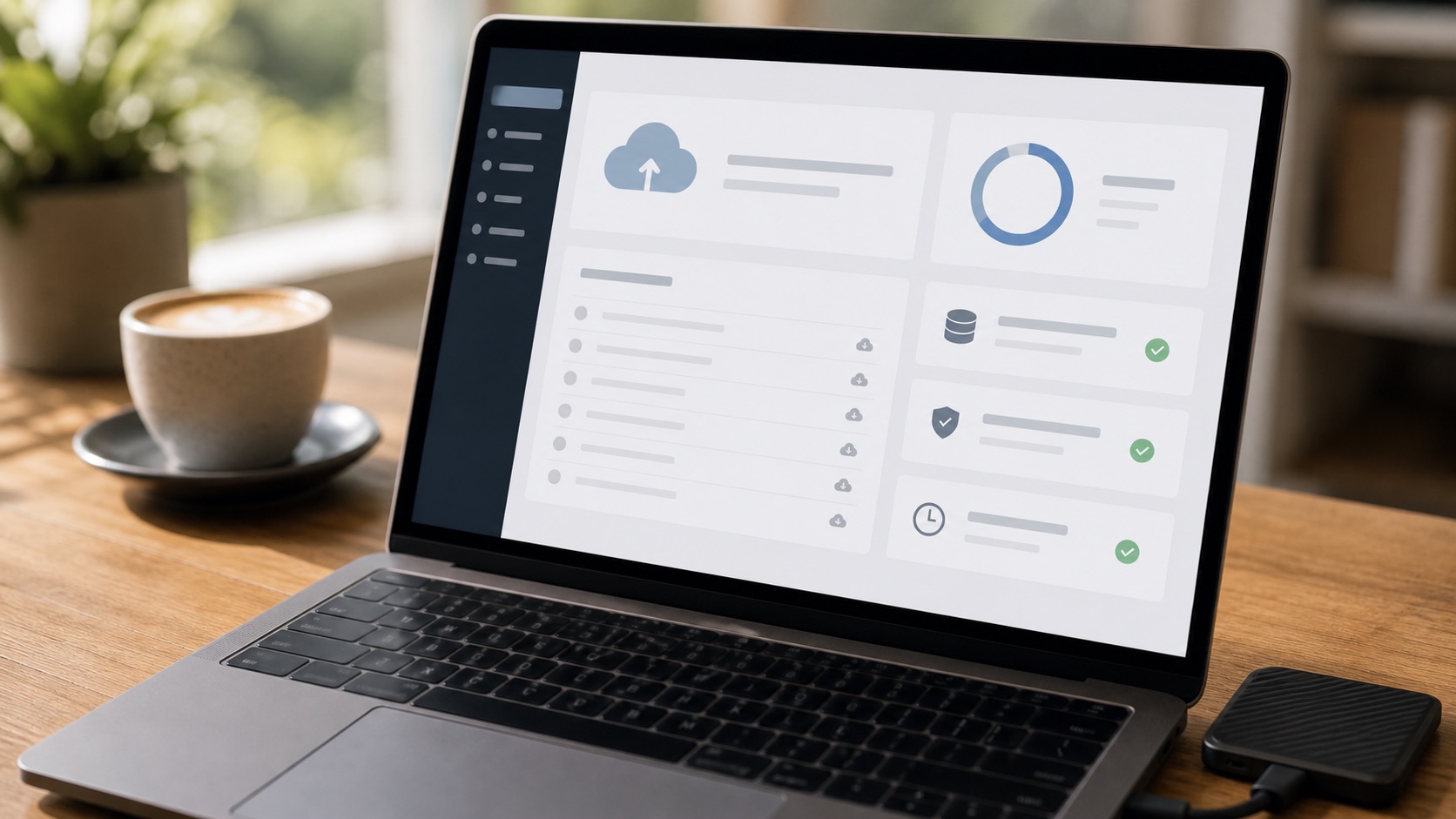
Because a tested backup is the one thing that can undo almost any disaster, from a bad update to a full hack. A care plan should keep recent off-site copies of both your files and your database, and the backups should be restored and checked, not just created and forgotten. We have seen plenty of businesses discover, at the worst possible moment, that their “backups” were sitting on the same server that just failed. Off-site, automated and tested is the standard we hold every WordPress care plan to.
Do plugin and theme updates really need testing first?
Yes. Most “my site is suddenly broken” calls we get trace back to an update that was clicked without a backup or a test. A plugin update can clash with your theme, break your custom WordPress development or take down your contact form, and you may not notice for days. The safe approach is to update on a staging copy, confirm the important pages and checkout still work, then push the change live. That single habit prevents the majority of avoidable outages, and it is built into every plan we run.

7 reasons your business needs a WordPress care plan in 2026
A WordPress care plan earns its keep in more ways than just dodging hacks. Here are the seven that matter most to a busy Australian small business owner.
- Attacks now move in hours, not weeks. Patchstack measured a median time to mass exploitation of just five hours after a flaw goes public, so a site left unattended for a month is wide open.
- Plugins are the weak point. With 91% of new vulnerabilities sitting in plugins, the routine of patching them quickly is your single best defence.
- Downtime costs real money. Every hour your site is down or flagged as unsafe is lost enquiries, lost sales and a dent in your reputation.
- Backups save you from yourself. A tested, off-site backup turns a catastrophe into a 20-minute restore.
- Speed and SEO stay healthy. Maintenance keeps your site fast and your Core Web Vitals in shape, which supports your SEO rather than quietly eroding it.
- You get your time back. Updates, scans and reports are handled for you, so you can run your business instead of babysitting a website.
- There is someone to call. When something does go wrong, you reach a real person who already knows your site, not a support queue.
The 2026 plugin supply-chain attacks made all of this concrete. TechCrunch reported that an attacker quietly bought dozens of popular plugins, planted backdoors and activated them across hundreds of thousands of installs, and critical flaws like the recent Burst Statistics plugin flaw followed soon after. None of these were the site owner’s fault, which is precisely the point: you cannot personally audit every plugin you run, but a care plan can patch them for you before the attackers arrive.

How a care plan keeps attackers out
By closing the gap between a flaw being published and it being patched on your site. A care plan layers fast updates, a firewall, malware scanning and login hardening, then watches for unusual activity so problems are caught early. WordPress powers about 42% of all websites, according to W3Techs, which makes it the biggest target on the web, so the goal is simple: be a much harder target than the millions of unmaintained sites sitting next to you.
| Approach | Typical monthly cost | Real-world risk |
|---|---|---|
| No maintenance | $0 | High: outdated plugins, no backups, likely hack or outage |
| DIY updates | Your time | Medium: fine until an untested update breaks the site with no backup |
| Managed WordPress care plan | ~$59 to $199 | Low: tested updates, off-site backups, monitoring and support |
For most Australian small businesses, a WordPress care plan lands somewhere between a phone plan and an insurance policy in cost, and it does a similar job: it quietly prevents the expensive thing from happening. Compared with a single emergency malware clean-up, which often runs into the hundreds or thousands once you add lost sales, the monthly plan is the easy maths.
Frequently asked questions
How much does a WordPress care plan cost in Australia?
Most plans for small business sites run from about $59 to $199 per month, depending on whether you run a simple brochure site or a busy WooCommerce store. Higher tiers add more frequent backups, priority support and more included edits. The right plan is the one that matches how much your business relies on the site.
Can I just update WordPress myself?
You can, and for a simple site it is fine, as long as you take a fresh backup first, test updates before they go live and keep an eye on security. The trouble is that this is exactly the work that gets skipped when you are busy, and one untested update with no backup is all it takes to bring a site down.
What happens if my site gets hacked while it is on a care plan?
A good plan means you have recent off-site backups and monitoring already in place, so we can clean the site and restore it quickly. With MyWebs, care plan clients get priority when something goes wrong, which is the difference between a short interruption and days offline.
Do I really need a care plan if my website is small?
Small sites get hacked just as often, because automated attacks do not care how big you are; they scan for the same vulnerable plugins everywhere. If your website brings in any enquiries or sales, the cost of a care plan is tiny next to the cost of it disappearing for a week.
If you are not sure whether your site is properly looked after, we are happy to take a look. Book a free website audit with our Sydney team and we will check your backups, updates and security, then show you exactly what a WordPress care plan would cover for your business. No pressure, just a clear picture of where you stand.