


How to add an AI chatbot for WordPress
Adding an AI chatbot for WordPress takes about an afternoon: install a chat plugin like Tidio, connect a free account, feed it your FAQs and products, and you’ve got something that answers customers and captures leads while you’re asleep. The hard part isn’t the install. It’s setting the bot up so it actually helps people instead of annoying them, and so it sends you the enquiries that turn into paying work. We set these up for clients most weeks, and the difference between a good one and a bad one is all in the setup.
A chatbot’s job isn’t to sound clever. It’s to answer the boring questions fast and hand you the lead.
MyWebs Agency
What does an AI chatbot for WordPress do for a small business?
It answers the same questions your customers ask over and over, instantly, at any hour. Opening times, “do you deliver to my postcode?”, “where’s my order?”, “how much for a quote?” Most small business owners are losing enquiries at 9pm when nobody’s at the keyboard, and a chatbot quietly catches them. Tidio’s own figures put it bluntly: its Lyro AI can handle up to 70% of routine questions on its own. That’s not magic, it’s just answering the predictable stuff so you don’t have to.
- Answers FAQs hours, pricing, delivery, returns, parking, all without you lifting a finger.
- Captures leads grabs a name, email and phone number before the visitor clicks away.
- Helps shoppers recommends products and recovers abandoned carts in a WooCommerce store.
- Books and routes points people to your booking page or passes hard questions to a human.
- Pick a plugin and install it from your dashboard.
- Create a free account and connect it.
- Feed it your FAQs and key pages so it answers in your words.
- Connect WooCommerce if you sell online.
- Set a lead-capture form (name, email, phone).
- Match the widget to your branding and pick which pages it shows on.
- Test it like a customer, then go live.
This isn’t a fringe idea anymore. The National AI Centre reported that around 44% of Australian SMEs were using AI in some form by February 2026. The businesses winning with it aren’t the ones chasing the shiniest tool, they’re the ones who picked one job (usually answering customers) and did it properly.
Start with one job your bot can nail. A chatbot that answers ten questions brilliantly beats one that fumbles a hundred.
MyWebs Agency
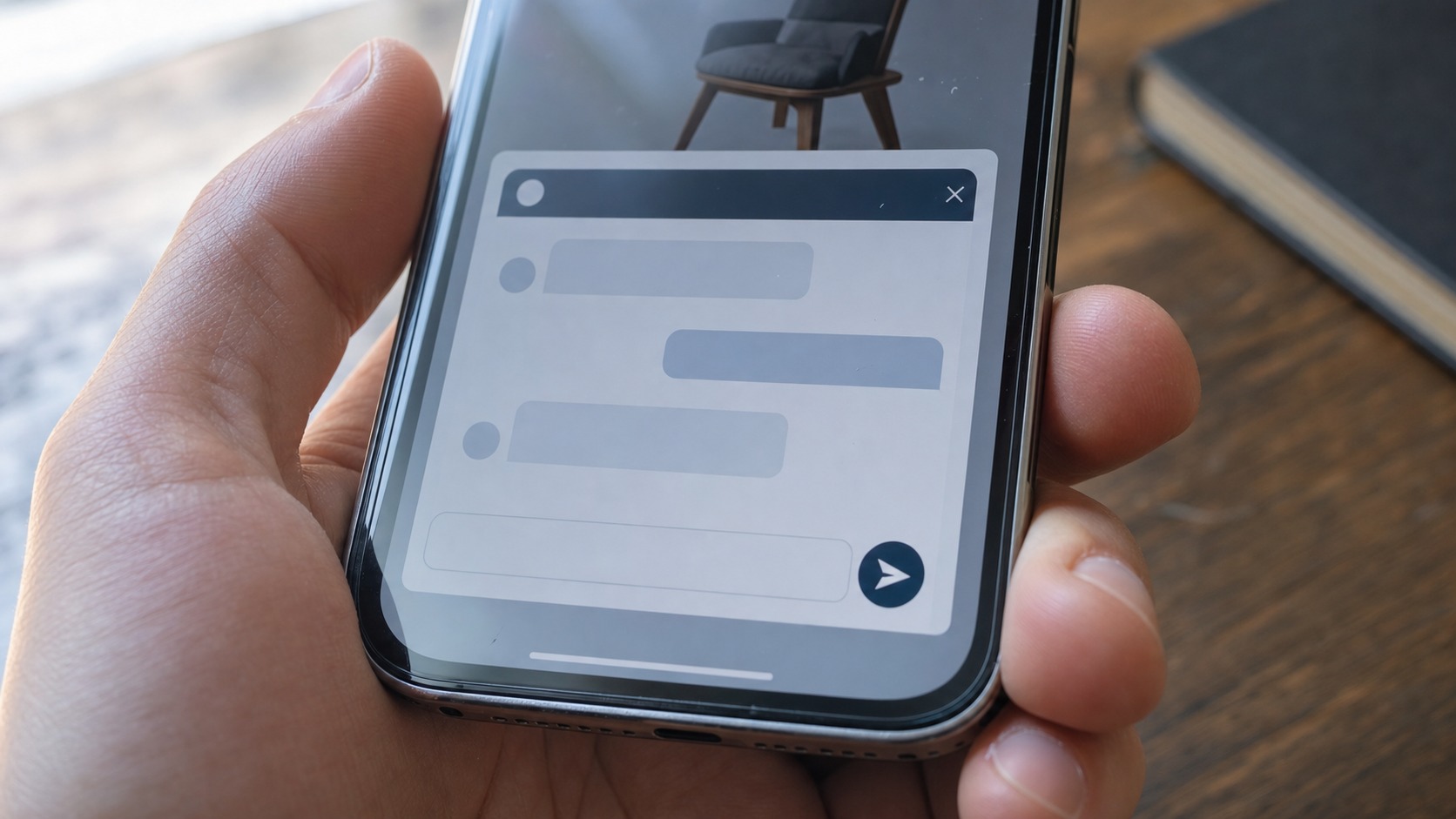
Which WordPress chatbot plugin should you use?
For most small businesses we’d start with Tidio. It’s a proper WordPress chatbot plugin with 80,000+ active installs, a usable free tier, and a WooCommerce connection out of the box. For a lot of owners, that’s the whole AI chatbot for WordPress decision sorted. If you want something fully trained on your own documents, or tied into a CRM, that’s where a custom build comes in. We help clients pick based on what they actually need, not the longest feature list.
Can a chatbot really capture leads 24/7?
Yes, and that’s the part that pays for itself. A tradie quoting jobs doesn’t sit by the website all day. With an AI chatbot for WordPress, a homeowner who lands on the site at 8pm gets their question answered, leaves a number, and that lead is waiting in the morning. We’ve set this up for service businesses and online stores alike, and the pattern is the same: the enquiries that used to vanish now turn up in an inbox. If you run an online store, the same bot can recover an abandoned WooCommerce cart with a nudge while the shopper is still deciding.

What does an AI chatbot for WordPress cost in Australia?
Less than people expect to start, more than people expect if they want it done properly. A free plan gets a small site going. A paid DIY plan runs from roughly A$45 a month. A custom chatbot trained on your own content and wired into your systems usually starts from a few thousand dollars, depending on how much it needs to know and do. Here’s a rough guide for an AI chatbot for WordPress, in plain numbers.
| Option | Best for | Free plan? | Cost (approx AUD) |
|---|---|---|---|
| Tidio (Lyro AI) | Most small businesses and WooCommerce stores | Yes | From ~$45/mo for paid |
| Other DIY chatbot plugins | Simple FAQ and live chat | Often | $30 to $150/mo |
| Custom-trained AI chatbot | Bespoke answers, CRM and booking integration | No | From a few thousand to build |
One thing we always check: page speed. A good chat plugin loads its widget asynchronously and won’t drag your site down. A cheap or badly coded one can hurt your Core Web Vitals, which then hurts your Google ranking. It’s worth pairing any chatbot work with a quick look at your WordPress site’s SEO and speed so one improvement doesn’t quietly undo another.

Setting up an AI chatbot for WordPress without the rookie mistakes
The plugins make installing easy. What separates an AI chatbot for WordPress that earns its keep from one people close in two seconds is the bit that happens after the install. A few things we’ve learned doing this for real clients.
Feed it your real content first. A bot trained on your actual FAQs, service pages and product descriptions answers in your voice and gets the details right. A bot left on its defaults makes things up, and a confident wrong answer is worse than no answer. Keep a human in the loop for anything sensitive, and always give people an easy way to reach a person. We build the same approach into every WordPress development project, so the bot supports your team rather than replacing the human touch your customers actually want.
Is it safe to put an AI chatbot on your business website?
Yes, if you set sensible limits. The Australian Signals Directorate’s Cyber Security Centre has clear, practical guidance on AI for small business, and it’s worth a read before you flip the switch. The short version: collect only the data the chatbot genuinely needs, keep a person reviewing anything legal, medical or financial, and pick a reputable vendor with proper data-handling policies. Watch for prompt injection (people trying to trick the bot) and hallucinations (the bot confidently inventing answers). None of this should scare you off. It just means choosing the tool and the setup with a bit of care, which is exactly the part we handle for an accounting firm or clinic that can’t afford a loose answer.
And remember the bot is only as good as the site it sits on. If your pages are slow, unindexed or invisible in search, an AI chatbot for WordPress won’t fix that. Good SEO brings people to the door; the chatbot greets them once they arrive. The two work together.
Frequently asked questions
How much does an AI chatbot for WordPress cost?
Free plans exist and Tidio’s free tier is genuinely usable. Paid DIY plans start from around A$45 a month. A custom-built chatbot, trained on your products and connected to your CRM, usually starts from a few thousand dollars.
Will a chatbot slow my WordPress site down?
A well-built plugin loads the widget asynchronously, so it shouldn’t hurt your page speed. Cheap or poorly coded ones can. We test Core Web Vitals before and after so a new feature doesn’t cost you rankings.
Can a WooCommerce AI chatbot read my products and orders?
Yes. Plugins like Tidio connect to WooCommerce and can see carts, order history and product details, so the bot can answer “where’s my order?” and recommend products to shoppers.
Do I still need a person, or does the bot do everything?
You still need a person for complex or sensitive questions. The bot handles the repetitive majority so your team is free for the conversations that actually need a human.
Thinking about adding an AI chatbot for WordPress but not sure which tool or setup fits your business? Book a free website audit and a one-hour chat with our team. We’ll look at your site, your enquiries and your goals, then tell you honestly whether a free plugin will do or whether a custom build is worth it. No jargon, no pressure.