

WordPress 7.0 is here: what Australian businesses need to know
WordPress 7.0, nicknamed “Armstrong”, was released on 20 May 2026, and it is the biggest core update in nearly two years because it builds artificial intelligence straight into WordPress for the first time. For most Australian business owners the headline is simple: your site will keep working, the admin looks more modern, and there are new AI tools you can switch on if you want them. The two things that matter today are updating safely and deciding whether the new features earn their place on your site. If you would rather hand the whole thing to a team, our WordPress development crew does these upgrades every week.
WordPress 7.0 is the first version with AI built into core, but the smartest move is still an old one: back up, test, then update.
MyWebs Agency
What is actually new in WordPress 7.0?
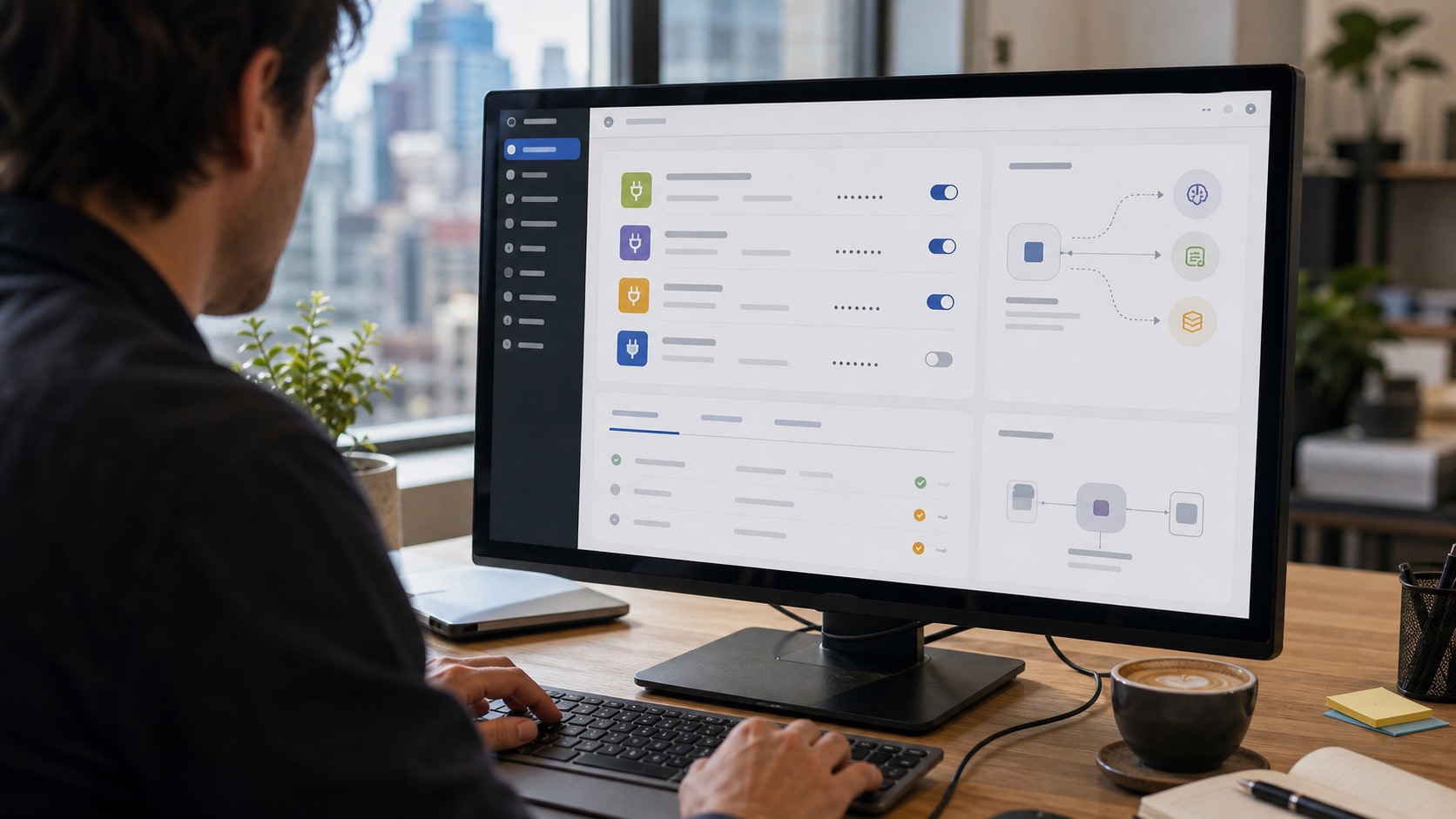
The short answer: native AI, a modernised admin, and a long list of quiet fixes. WordPress 7.0 ships an AI Client and a new Abilities API in core, plus a central Connectors hub (under Settings > Connectors) that lets your site talk to OpenAI, Anthropic’s Claude and Google’s Gemini through one set of credentials. The admin has also been refreshed with React-based DataViews replacing the old static list tables, and a Command Palette for jumping around the dashboard quickly. According to the official WordPress 7.0 Field Guide, the release includes more than 419 tickets, over 76 enhancements and more than 300 bug fixes, so a good chunk of the value is under the bonnet.
- Native AI: a core AI Client and Connectors hub for OpenAI, Claude and Gemini.
- Modern admin: React-based DataViews and a Command Palette for faster navigation.
- Block-level Notes: leave comments and @mention teammates right on a block.
- New blocks and design tools: more layout control in the Site Editor.
- Confirm your hosting runs PHP 7.4 or higher (we recommend 8.3+).
- Take a full backup of files and database.
- Update on a staging copy and click through every key page.
- Only then update the live site, ideally in a quiet traffic window.
One feature that did not make it: real-time collaborative editing was pulled from WordPress 7.0 late in testing and is now targeted for WordPress 7.1 in August 2026. Block-level Notes, the part most editorial teams actually use day to day, did ship. It is a sensible reminder that even a flagship release gets trimmed, which is exactly why we never update a client’s live site on launch day without testing first.
A new version number is not a reason to rush. It is a reason to back up properly and test on staging.
MyWebs Agency
Does the new admin change how I work?
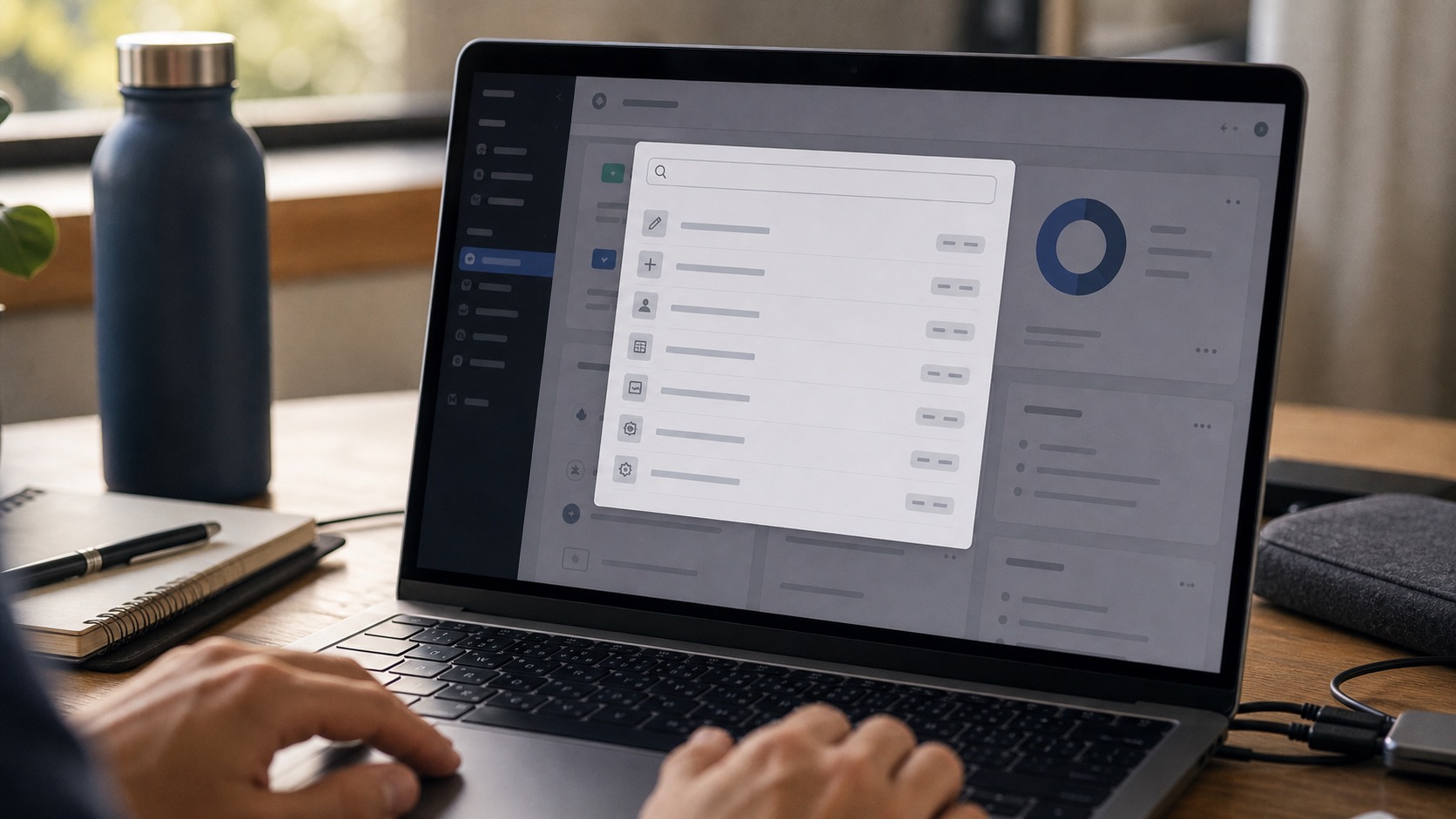
A little, and mostly for the better. The dashboard in WordPress 7.0 feels quicker, lists filter instantly, and the Command Palette (hit the keyboard shortcut and start typing) jumps you to any setting or page. If you mainly add posts and products, your daily routine barely changes. If you manage a busy site or a team, the new Notes and faster admin save real time. Either way, nothing forces you to learn it all on day one.
How do you update to WordPress 7.0 safely?
Back up first, test on staging, then update the live site. That order is the whole game. The most common things that break on a major update are not WordPress itself but old page builders, custom code and abandoned plugins that have not been touched in years. Check that your host is on PHP 7.4 or newer, because WordPress 7.0 has dropped support for PHP 7.2 and 7.3. The official WordPress PHP support notes confirm the minimum supported version is now 7.4, with 8.3 or higher recommended for speed and security. If your hosting is stuck on an old PHP version, that is worth sorting first, and our managed Australian hosting keeps PHP current for exactly this reason.
What if the update breaks my site?
If you backed up first, a broken update is a 15-minute fix, not a disaster, because you simply restore and try again on staging. The danger is updating live with no backup and no rollback plan. We see it most with sites running a heavy page builder and a dozen plugins that all need to play nicely with the new core. If you have already hit a white screen or a plugin conflict, our emergency website support can get you back online fast, and it is also worth reading our note on recent WordPress plugin vulnerabilities while you are tidying up.
Should you turn on the new AI features in WordPress 7.0?
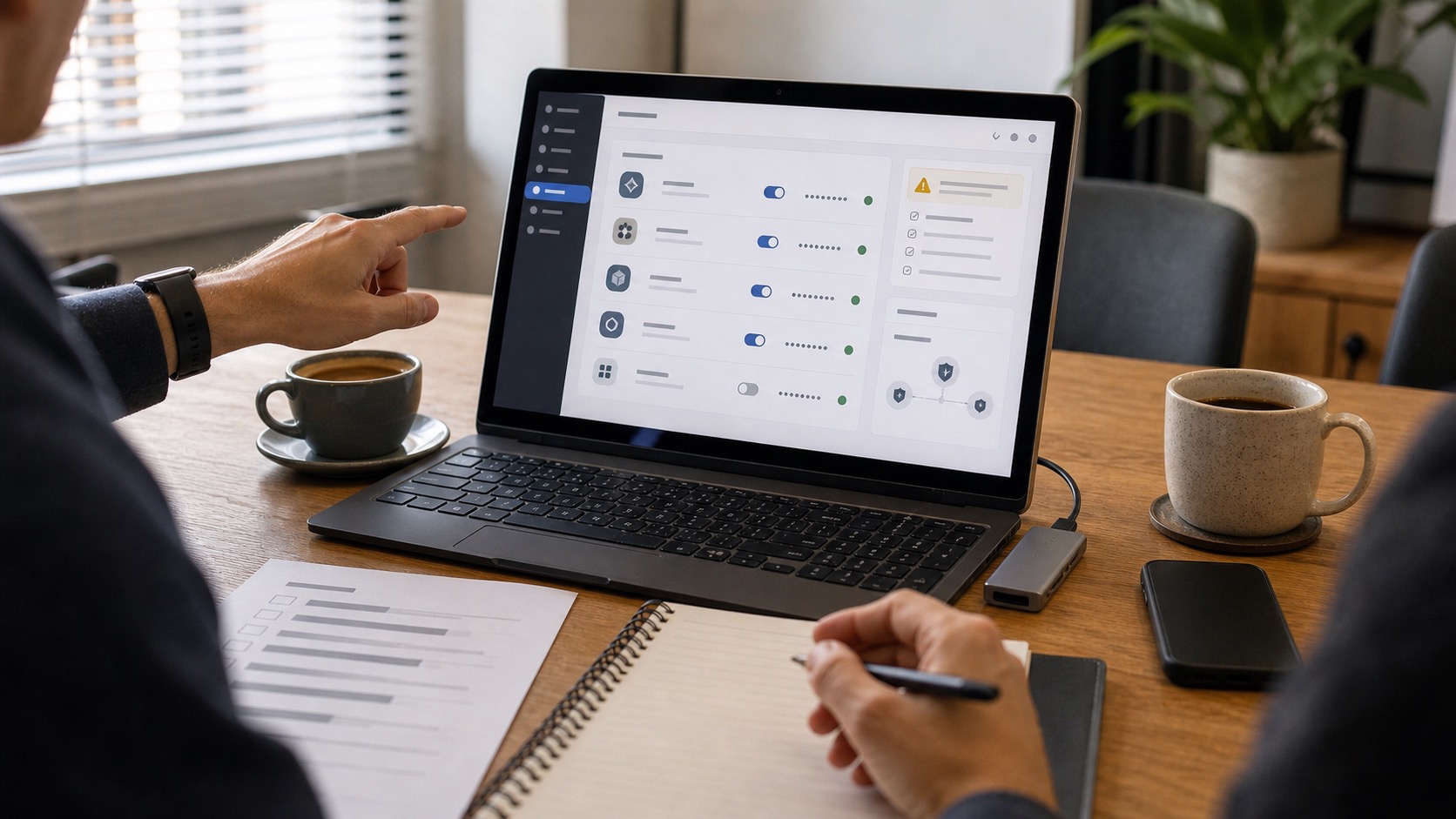
Only if you have a clear use for them, and only after you understand where your data goes. The AI in WordPress 7.0 is opt-in: nothing talks to OpenAI, Claude or Gemini until you add a provider and your own API key in Settings > Connectors. The upside is that compatible plugins can then share one connection instead of each asking for separate keys, which is tidier and easier to control. The catch for an Australian business is privacy. If you handle customer data, think carefully about what gets sent to a third-party AI provider, and check it against your privacy obligations before switching anything on.
It helps to weigh the change against the size of the WordPress ecosystem. WordPress powers around 43% of all websites worldwide (W3Techs), so when core adds a feature like native AI, plugin developers follow quickly and the tooling matures fast. For the 97.3% of Australian businesses that are small businesses, according to the Australian Bureau of Statistics, that usually means better tools at no extra licence cost, as long as the basics of backups, updates and security stay in good order.
WordPress 7.0 and your Google visibility
A clean update will not hurt your rankings, and a faster, well-maintained site helps. The performance and admin improvements in WordPress 7.0 are useful, but search visibility still comes down to speed, content and technical health rather than a version number. With AI search and Google’s May 2026 core update reshaping how people find local businesses, the priority is a quick, reliable site. You can see the kind of fast, tidy builds we deliver in our case study for a Sydney trade business.
| Area | WordPress 6.x | WordPress 7.0 |
|---|---|---|
| AI in core | None | AI Client + Connectors hub (OpenAI, Claude, Gemini) |
| Admin | Static list tables | React DataViews + Command Palette |
| Editor collaboration | Basic | Block-level Notes with @mentions |
| Minimum PHP | 7.2.24 | 7.4 (8.3+ recommended) |
Frequently asked questions
Is WordPress 7.0 safe to update to right now?
Yes for most sites. Back up your files and database, update on a staging copy first, and check your plugins. Very old plugins or hosting running PHP below 7.4 are the usual reasons to wait until those are sorted.
What is the new AI in WordPress 7.0?
WordPress 7.0 adds a built-in AI Client and a Connectors hub so your site can use OpenAI, Anthropic’s Claude or Google’s Gemini through one set of credentials. It is optional and stays off until you add a provider in Settings > Connectors.
What PHP version do I need for WordPress 7.0?
The minimum supported version is PHP 7.4, and support for PHP 7.2 and 7.3 has been dropped. We recommend PHP 8.3 or newer for better speed and security. Most good Australian hosts can switch your PHP version in a few clicks.
Will WordPress 7.0 break my theme or plugins?
Usually not. The common trouble spots are heavy page builders, custom code and plugins that are no longer maintained. Testing on staging before you update the live site catches almost all of these issues.
Do I have to use the AI features?
No. The AI features in WordPress 7.0 are entirely opt-in. If you never add a provider, your site behaves like any earlier version with a fresher admin and the usual security and performance fixes.
Want to move to WordPress 7.0 without the risk? We will back up your site, test the update on staging, sort your PHP version and check every plugin, then hand you a faster, fully updated site. Book a free website audit and consultation with our Sydney team and we will tell you exactly what your site needs before you press update.